One line of code turns any web page
into a pixel-perfect screenshot
Snapi is a web page screenshot API. Send a URL or HTML and get a PNG, JPEG, WebP screenshot or PDF in seconds. It waits intelligently for pages to render, removes ads and pop-ups automatically, and renders Chinese text correctly. You only pay for successful requests.
GET /v1/screenshot
  ?url=https://news.example.cn
  &full_page=true
  &format=webp
&access_key=snp_••••••新一代芯片发布:能效提升 40%,开发者如何受益?
繁體、日本語、한국어与 Emoji 同样清晰呈现
开源模型周报:本周值得关注的十个项目
云服务价格战再升级
前端框架年度调查结果出炉
- Max full-page screenshot height
- 20,000 px
- Max HTML upload size
- 2 MB
- Output formats
- PNG · JPEG · WebP · PDF
- No charge for failures or cache hits
- Pay only for success
What teams build with Snapi

Link previews
Generate up-to-date thumbnails for share cards and links on your site.

Web archiving
Capture full-page screenshots on a schedule to preserve pages as they appeared at a specific moment.

Reports and invoices
Render HTML templates directly into print-ready PDF files.
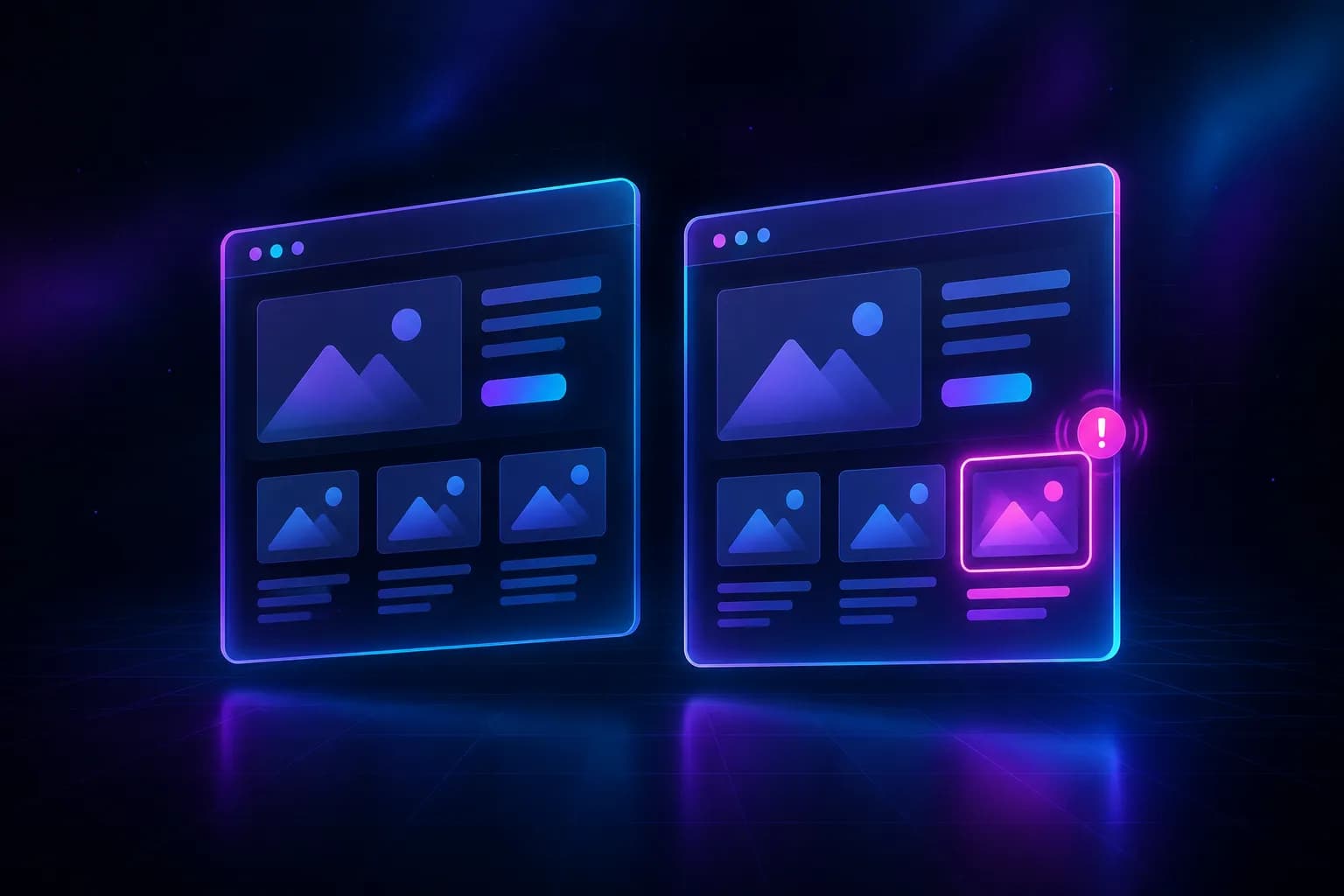
Visual monitoring
Compare scheduled screenshots to catch visual issues as soon as they appear.
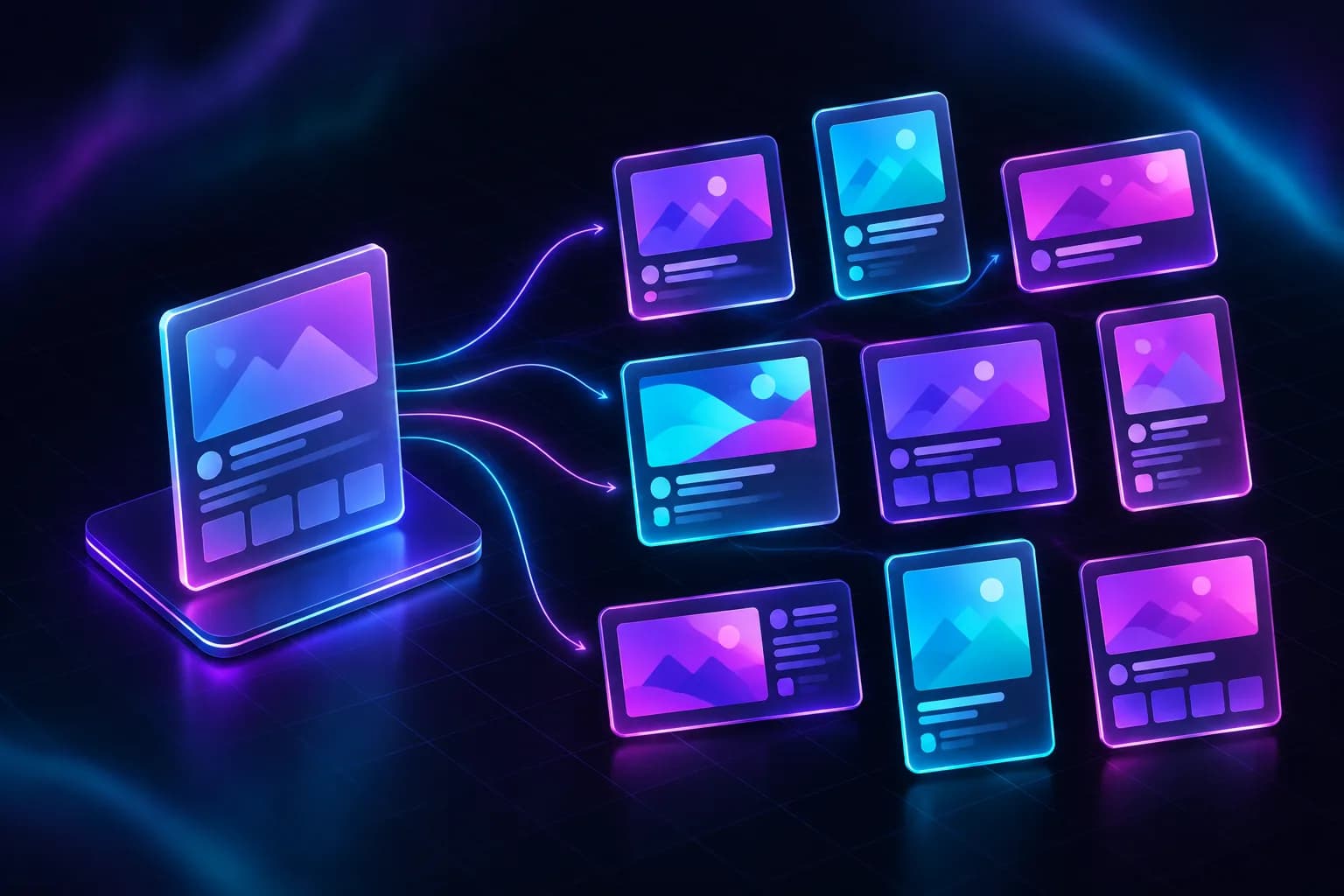
Social sharing images
Create posters and share cards from HTML templates. Swap the headline and image for a fresh design.
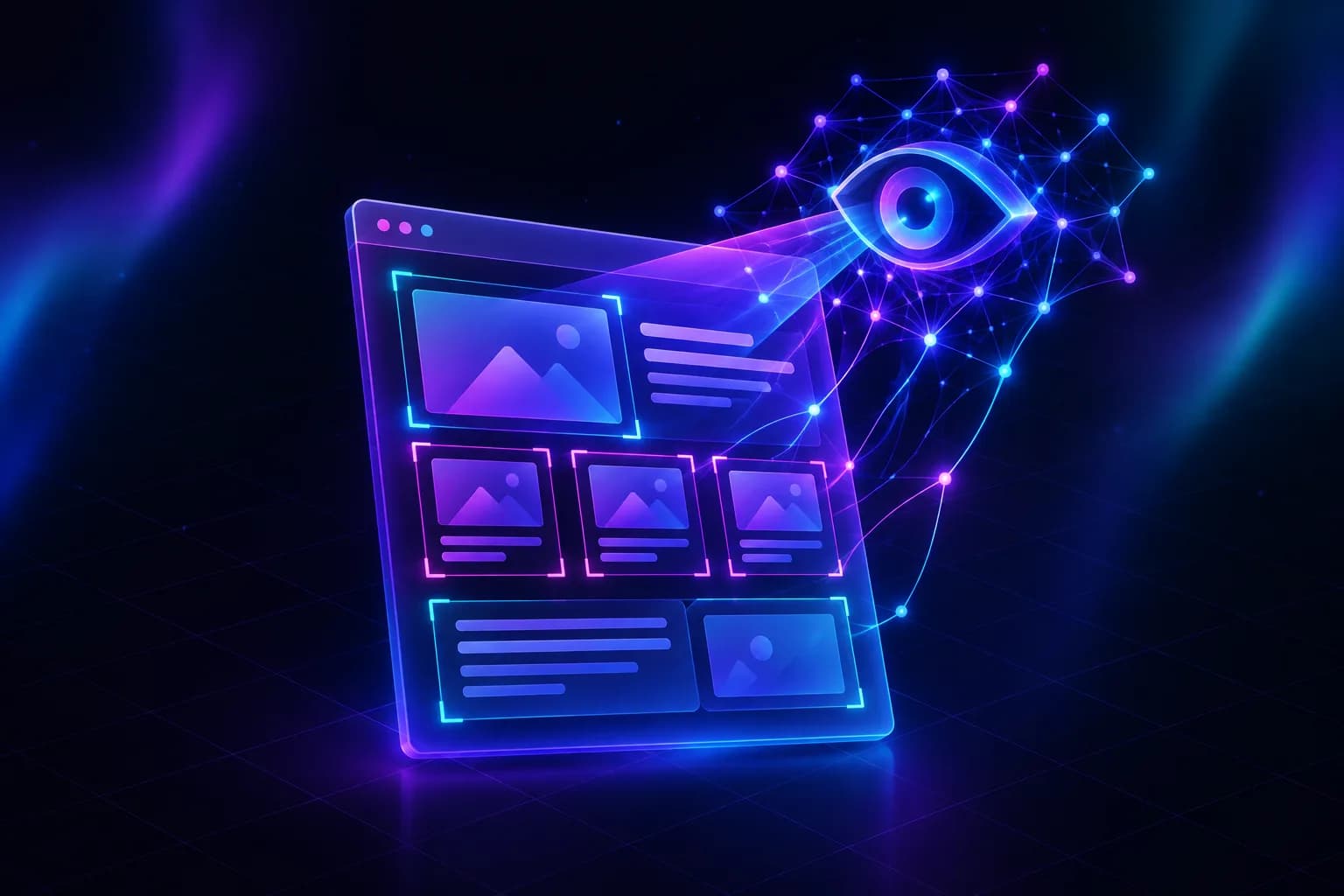
Web pages for AI
Feed web page screenshots to multimodal AI models to analyze content and layout.
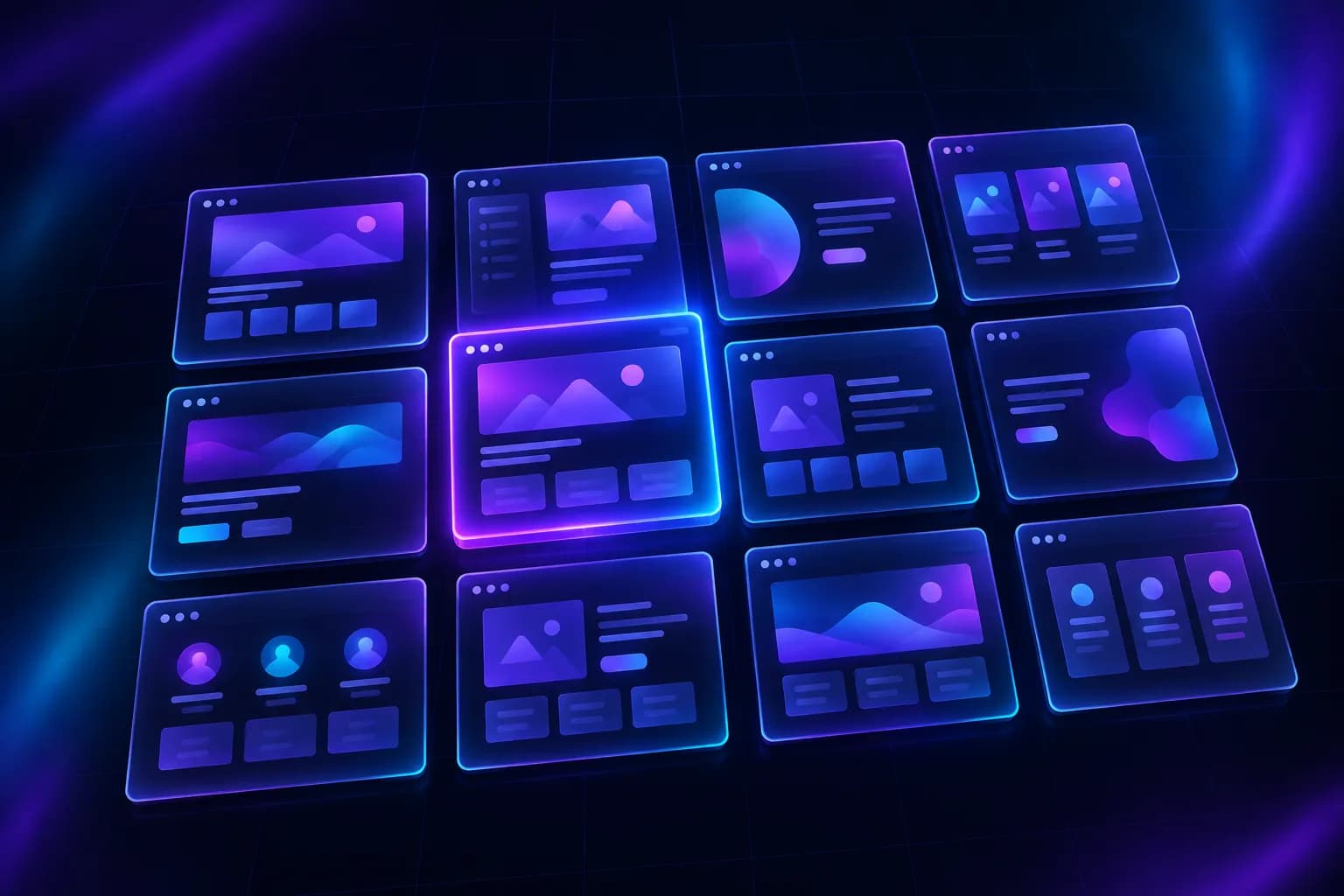
Website directory thumbnails
Generate website thumbnails in bulk for directories and portfolios. Submit up to 100 URLs at a time.

Multi-device previews
Capture pages at mobile and desktop screen sizes to check how they look across devices.
Enter a URL. See the result.
No signup or code needed. What you see is exactly what you get through the API.
Common screenshot pitfalls, solved
Building your own screenshot solution? These issues probably look familiar.
The problem: Ads and cookie banners clutter screenshots and cover the content.
With Snapi: Ads and common cookie banners are removed automatically for clean screenshots.
The problem: Chinese, Japanese, and Emoji show up as empty boxes.
With Snapi: Chinese, Japanese, Korean, and Emoji render correctly, just like in your browser.
The problem: The bottom half of your full-page screenshot is blank, with lazy-loaded images missing.
With Snapi: Full-page screenshots capture lazy-loaded images, so long pages don't end up half-empty.
The problem: Your screenshot of a single-page app shows nothing but a loading spinner.
With Snapi: Snapi intelligently waits for the page to render, or you can tell it to wait for a specific element.
The problem: Your DIY screenshot service is hard to maintain and unreliable under heavy traffic.
With Snapi: No infrastructure to build or maintain. Just call the API.
The problem: You get charged for failed requests and repeated captures of the same page.
With Snapi: Only successful requests are billed. Failed requests and cache hits don't use your credits.
Chinese web pages, finally captured right
Many screenshot tools turn Chinese text into empty boxes. Snapi captures it just as you see it in your browser.
Common issue: Chinese text appears as boxes
Hello 123
Rendered with Snapi
中文渲染测试
简体:截图服务必须正确显示汉字。
繁體:網頁截圖服務的核心賣點。
日本語:スクリーンショット 한국어: 스크린샷
Hello 世界 123,标点「引号」《书名》
Everything you need in a screenshot API
Every parameter has a sensible default, so you get a clean screenshot without extra configuration.
Chinese text without missing glyphs
Simplified Chinese, Traditional Chinese, Japanese, Korean, and Emoji render correctly—even when mixed together. No missing-glyph boxes.
Full-page or element screenshots
Capture entire long pages, including images that load on scroll, or capture just one element.
Web pages to PDF
A4 / Letter, with background colors and images preserved. Supports both print and screen styles.
Signed URLs
Embed screenshot links directly in your pages without exposing your key. Any change to the link invalidates it.
Near-instant repeat requests
Identical requests return almost instantly and don't count against your quota.
Block ads and pop-ups
Automatically remove ads, tracking scripts, and cookie consent banners for cleaner screenshots and faster captures.
Secure isolation
Each capture runs in isolation, keeping your page content private. Unsafe addresses are blocked automatically.
Pay only for success
Timeouts, unreachable pages, and target site errors don't count against your quota. If a request fails, you'll know why.
Use your favorite language. Integrate in five minutes.
A standard HTTP interface—no SDK required. Errors return consistent JSON with a clear reason and request ID, making troubleshooting straightforward.
- 01
Send a URL or HTML
A single GET request is all it takes, or POST your HTML. Control dimensions, scale, and wait behavior with parameters.
- 02
Render in a cloud browser
It opens the page like a real user, waits for content to load, and automatically removes ads and cookie banners.
- 03
Get your image or PDF
Get the image file directly or receive a link to it. Repeat the same request for a near-instant response.
- GET returns images directly; POST can return JSON
- Safely embed signed URLs in your frontend
- Submit batches and get a callback when they're done
curl "https://yhfdghkh6544.com/v1/screenshot?url=https://example.com&full_page=true" \
  -H "X-Access-Key: $SNAPI_KEY" \
-o screenshot.png<img src="https://yhfdghkh6544.com/v1/screenshot?access_key=snp_…&url=https%3A%2F%2Fexample.com&signature=9f2c…" />See the docs for signing examples: Node.js / Python / Go / PHP
Start free. Upgrade as you grow.
Plan quotas reset monthly. Only successful requests count.
Free
$0/ month
- 100 screenshots per month
- 2 requests per second, 2 concurrent requests
- All screenshot and PDF features
- Signed URLs, caching, and batch jobs
Paid plans
Coming soon, with support for international credit cards, USDT, WeChat Pay, and Alipay
- Starter2,000 requests / month · $9
- Growth15,000 requests / month · $39
- Scale60,000 requests / month · $129
Good questions. Clear answers.
Why does Chinese text appear as boxes in screenshots? Will that happen with Snapi?
No. Many screenshot tools turn Chinese text into boxes. Snapi is built to solve this: Simplified Chinese, Traditional Chinese, Japanese, Korean, and Emoji all render correctly, just as they appear in your browser.
Which requests count against my quota?
Only successfully rendered requests count: each screenshot uses 1 credit, and each PDF uses 2 credits. Cache hits, timeouts, rendering failures, target site errors, and invalid parameters don't count.
Can I embed screenshot links directly in my web pages?
Yes, with signed URLs. Generate a signature on your server using your secret, then put the signed URL in <img src>. Your secret never appears in the page, and changing any parameter invalidates the signature.
Can I capture pages that require a login?
Currently, you can capture public pages and HTML you submit directly. Support for custom request headers, cookies, and user agents is in development.
What are the free plan limits?
100 requests per month, up to 2 requests per second and 2 concurrent requests. Once you use your monthly quota, requests are blocked until it resets. Paid plans are coming soon.
Capture your first screenshot now
Sign up for 100 free credits every month. No credit card required.